What Are Website Maintenance Services?
Website maintenance is ongoing work. It starts after your site goes live. You monitor, update, secure, and optimize. This keeps your website fast and safe. It also makes sure everything works correctly. Visitors get the best experience possible.
Many business owners confuse website development with website maintenance.
Website Development involves:
- Designing the website
- Building pages
- Adding functionality
- Launching the site
Website Maintenance includes:
- Updating your CMS, plugins, and themes
- Fixing bugs and technical issues
- Strengthening website security
- Updating text, images, and other content
- Optimizing website speed and performance
- Monitoring uptime and resolving downtime quickly
- Performing regular backups and recovery checks
Think of your website like a vehicle. Building it is like buying a new car. Maintenance is like regular servicing. It keeps everything running smoothly.
Without ongoing maintenance, problems appear. Even a well-designed website becomes outdated. It grows vulnerable to cyber threats. Pages load slowly. Visitors leave.
What Does Website Maintenance Include?
Professional website maintenance services help keep your website secure, fast, and fully functional. Common maintenance tasks include:
- Software and Plugin Updates – Keep your CMS, themes, and plugins up to date.
- Security Monitoring – Protect your website from malware and cyber threats.
- Website Backups – Create regular backups for quick recovery if needed.
- Bug Fixes – Resolve errors, broken features, and technical issues.
- Content Updates – Keep text, images, products, and business information current.
- Performance Optimization – Improve website speed and loading times.
- SEO Checks – Monitor technical SEO to maintain search visibility.
- Uptime Monitoring – Ensure your website remains online and accessible.
- Mobile & Browser Testing – Verify your website works across all devices and browsers.
- Technical Support – Provide ongoing assistance and troubleshooting when issues arise.
Why Vancouver Businesses Need Website Maintenance
Here’s why ongoing website maintenance matters for local businesses:
Keeping Websites Reliable for Local Customers
Customers expect fast websites. They need everything to work properly. Maintenance checks pages, forms, links, and features. It keeps them running smoothly. This reduces frustration. It also saves lost opportunities.
Protecting Business Data
Old software creates risks. Outdated plugins and themes have weak spots. Regular updates fix these issues. Security checks find problems early. Backups protect your information. Customer data stays safe too.
Maintaining a Professional Online Presence
A slow website hurts trust. An outdated site looks unprofessional. Regular maintenance keeps things current. Your website stays functional and modern. This helps create a positive impression. Customers feel confident doing business with you.
Avoiding Unexpected Downtime
Technical issues happen. Plugins conflict with each other. Server problems occur. These can take your site offline. Proactive monitoring catches problems early. You can fix them before they cause trouble. Your website stays available when customers need it.
Supporting Long-Term Performance
Website Security and Protection
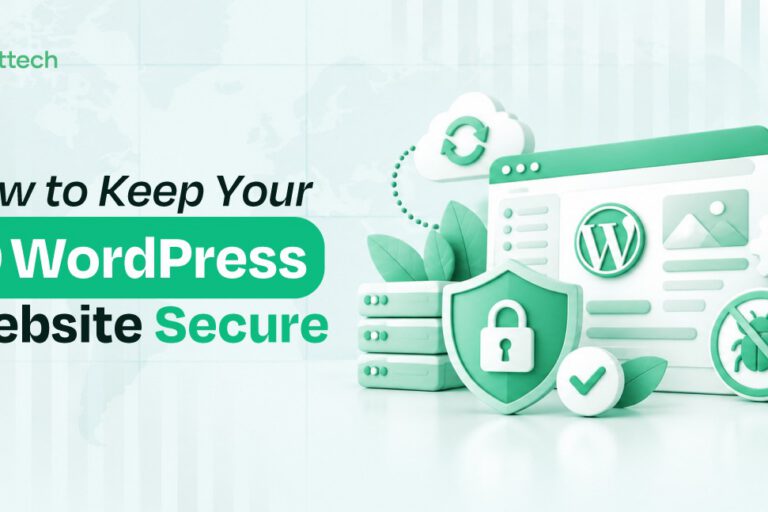
Your website needs strong defense. Professional Website Maintenance Services for Burnaby Companies offer key security features to keep it safe.
- Regular Security Updates: Updates matter. They include WordPress, plugins, and themes. Each update is checked for compatibility. This prevents conflicts. It also stops new issues from appearing.
- Malware Monitoring: Scanning happens regularly. Firewalls are checked too. These steps catch suspicious activity early. Potential threats get identified fast. Quick action reduces harm.
- SSL Certificate Checks: SSL certificates need monitoring. Renewals must happen on time. This keeps HTTPS active. It protects data during transfers. It also stops browser security warnings.
- Login and User Access Management: User accounts need review. Permissions should be proper. Passwords must be strong. Managing these items reduces unauthorized access risks.
- Security Vulnerability Checks: Assessments run on a regular schedule. They examine plugins and custom code. Weaknesses get found before they can be used. This proactive approach keeps your site stronger.
Website Speed and Performance Optimization
Speed matters for every website. Here are the essential steps to keep your site running fast.
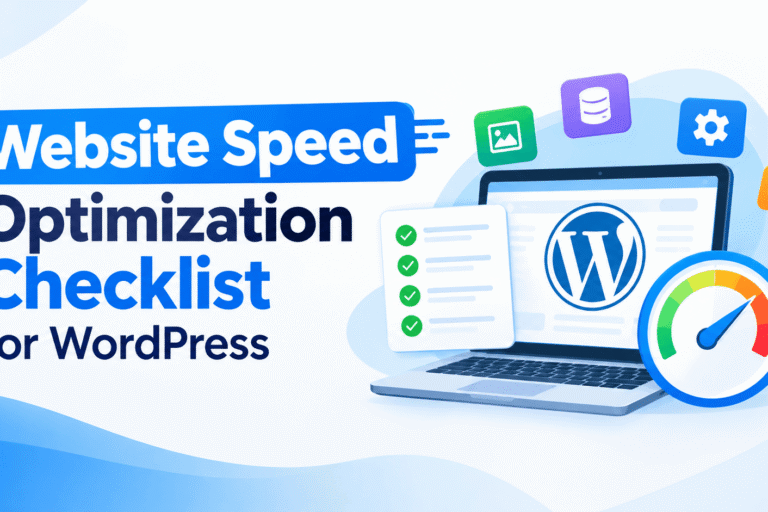
Monitor Page Load Times: Regular testing helps. Use tools like GTmetrix, Google PageSpeed Insights, or Uptrends. They find slow-loading pages. They also spot performance bottlenecks. Quick detection leads to faster fixes.
Image Compression: Large images slow down your site. Compress them properly. Use modern formats like WebP. This reduces file sizes. It keeps quality intact. Faster loading improves user experience.
Database Cleanup: Your database stores extra data. Old revisions take up space. Spam comments add clutter. Temporary files are unnecessary. Removing them boosts efficiency. Your site responds faster after cleanup.
Remove Unnecessary Plugins and Files: Unused plugins slow you down. Old themes create risks. Extra files add weight. Removing them keeps your site lightweight. It also improves security. Maintenance becomes much easier.
Improve Mobile Performance: Mobile visitors expect speed. Check loading times on smartphones. Test on tablets too. Responsive design helps greatly. Optimized images load faster. Simple navigation works best. A better mobile experience keeps users happy.
Backups and Website Recovery
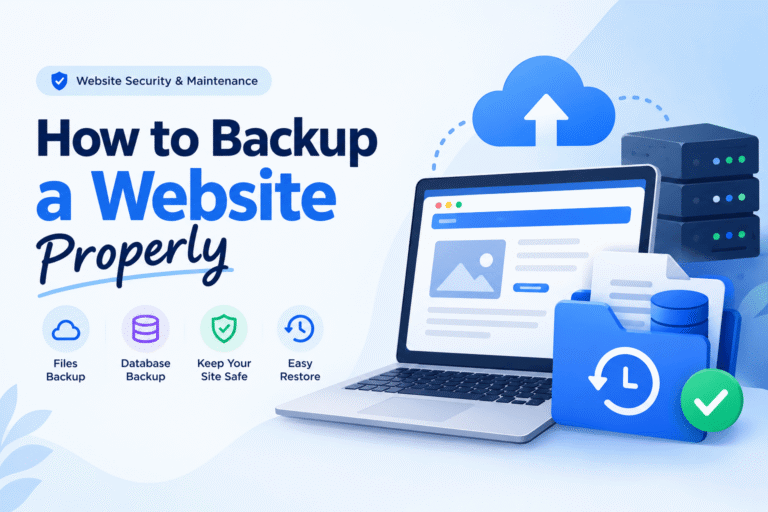
Backups protect your website. They prevent data loss. They also make restoration easier. This matters after technical failures, security attacks, or accidental changes.
Why Regular Backups Matter
- Protect against server failures
- Recover from malware attacks
- Restore accidentally deleted content
- Reverse failed updates or changes
What Should Be Backed Up?
- Website files
- Database
- Themes and plugins
- Images and media
- Website settings and configurations
Secure Backup Storage
Good maintenance providers keep copies in safe places. This ensures you can always get them when required.
- Cloud storage
- Off-site backup servers
- Multiple backup copies
Website Recovery
A clear recovery plan brings your site back fast. It keeps your operations running with little trouble.
- Fast website restoration
- Reduced downtime
- Quick recovery after emergencies
- Business continuity support
SEO Maintenance for Business Websites
Content and Design Updates
Website Maintenance Services in Vancouver keep your content accurate and engaging. They also align your site with your brand identity. This covers your current products, services, and overall business direction.
Content and Design Maintenance Includes:
- Updating service descriptions and current offerings
- Adding new products or services
- Publishing fresh blog posts and company news
- Uploading recent images and portfolio projects
- Removing outdated or inaccurate information
- Updating contact details, business hours, and locations
- Refreshing design elements to improve usability and maintain a modern appearance
Keeping your website current improves the customer experience. It also supports your SEO efforts. Most importantly, it helps turn more visitors into paying customers.
Mobile and Browser Compatibility
People use many devices and browsers to go online. Technology keeps changing fast. That is why regular testing matters. It helps your site work well for everyone who visits.
Website maintenance should include testing your site on:
- Android smartphones
- iPhones
- Tablets
- Desktop and laptop computers
It is also important to check:
- Contact forms and navigation menus
- Buttons and call-to-action links
- Interactive features and animations
- Responsive layouts across screen sizes
- Performance on Chrome, Safari, Firefox, and Microsoft Edge
Testing on all devices and browsers gives users a better experience. It reduces frustration and keeps visitors happy.
E-commerce Website Maintenance
Online stores need regular upkeep. This gives customers a safe and smooth shopping experience. It also keeps your site reliable at all times.
Essential E-commerce Maintenance Tasks
How Often Should a Website Be Maintained?
A regular maintenance routine keeps your site secure and fast. It also ensures everything stays current. Here is a simple schedule to follow.
Daily Maintenance
Daily checks help identify immediate problems and security threats.
- Monitor website uptime
- Monitor security alerts and suspicious activity
- Run automated malware scans
Weekly Maintenance
Weekly tasks help prevent common technical issues.
- Create and verify website backups
- Update plugins, themes, and software
- Perform routine security checks
- Test contact forms and other important website features
Monthly Maintenance
Monthly maintenance focuses on performance, content, and SEO.
- Optimize website speed and performance
- Review SEO performance and rankings
- Update website content, images, and service information
- Optimize and clean the website database
Quarterly Maintenance
A detailed quarterly review helps maintain overall website health.
- Review and remove inactive user accounts
- Conduct a comprehensive security audit
- Remove unused or outdated plugins and extensions
- Check for broken links and outdated content
Annual Maintenance
An annual review looks at the big picture. It ensures your site meets your business needs.
- Perform a complete website audit
- Review hosting, software, and technology requirements
- Refresh the website’s design and user experience
- Evaluate and update your SEO strategy
- Assess overall website performance and plan future improvements
A structured maintenance schedule prevents costly problems. It boosts security and improves performance.
Website Maintenance Pricing in Vancouver
Website maintenance costs in Vancouver vary widely. Prices depend on the services you choose. Basic care costs less than specialized technical support.
Monthly Maintenance Packages: Basic WordPress plans start around $250 CAD per month. More complete packages range from $250 to $600 or more. These often include updates, backups, security monitoring, and performance checks.
Hourly Technical Support: For extra or one-off work, rates range from $25 to $43 per hour. This covers general IT helpdesk tasks. Specialized WordPress development costs more. Agency rates for web design often start at $100+ per hour.
One-Time Maintenance Services: Project work like theme tweaks starts around $150. More complex cleanups or recovery services can reach $600 or more.
What Can Affect the Cost: Prices change based on site size and complexity. More pages and plugins mean higher costs. eCommerce sites need more care. Your site’s current condition and urgency also matter.
Why the Cheapest Option May Not Always Be the Best Choice: Low-cost providers often cut corners. They may skip security scans. They might use automated tools without human checks. This leaves your site open to malware. A reliable plan protects your business. It is an investment in security and performance. Peace of mind matters too.
How to Choose a Website Maintenance Service in Vancouver
Picking the right provider keeps your website safe and reliable. It also helps your business succeed over time. Think about these key factors before you decide.
What to Look For
- Check Platform Expertise – Make sure they know your platform. This could be WordPress, Shopify, WooCommerce, Magento, or a custom-built site.
- Review Security and Backup Processes – Ask about updates and malware protection. Find out how they handle firewalls and security monitoring.
- Ask About Response Times – Ensure they offer fast help for urgent problems. Quick support matters during website emergencies.
- Compare Pricing and Services – Look for clear prices with no hidden fees. Know what each maintenance plan includes.
- Read Customer Reviews – Search for positive feedback on reliability and support. Check what others say about communication and service quality.
- Review Previous Projects – Look at their past work samples. This shows their expertise and quality standards.
Taking time to evaluate these points helps you find the right fit. A good choice protects your investment.
Common Website Maintenance Mistakes to Avoid
Many website problems are caused by avoidable maintenance mistakes. Regular maintenance helps prevent downtime, security risks, and poor user experiences.
Common Mistakes
- Ignoring software updates
- Skipping website backups
- Using outdated plugins and themes
- Leaving broken links unresolved
- Neglecting mobile and browser testing
- Ignoring website security
- Not updating website content
- Waiting until problems become emergencies
Preventive maintenance is more cost-effective than fixing major website issues after they occur.
Website Maintenance Checklist for Vancouver Businesses
Use this checklist to keep your website in excellent condition:
✔ Install security updates
✔ Create regular backups
✔ Monitor website speed
✔ Update website content
✔ Perform SEO checks
✔ Test mobile responsiveness
✔ Fix broken links
✔ Monitor website performance
✔ Scan for malware
✔ Test forms and checkout systems
✔ Optimize images
✔ Remove unnecessary plugins
✔ Verify SSL certificates
✔ Review user permissions
Final Thoughts
Website maintenance is not a one-time job. It is an ongoing investment in your business’s online success. Regular care protects your site from threats. It also boosts speed and performance. Fresh content keeps visitors engaged. Good maintenance even helps with search rankings.
For Vancouver businesses, staying on top of updates matters. Backups, security, and performance checks are essential. Website Maintenance Services in Vancouver reduce downtime and build customer trust. They also help you maintain a strong online presence.